
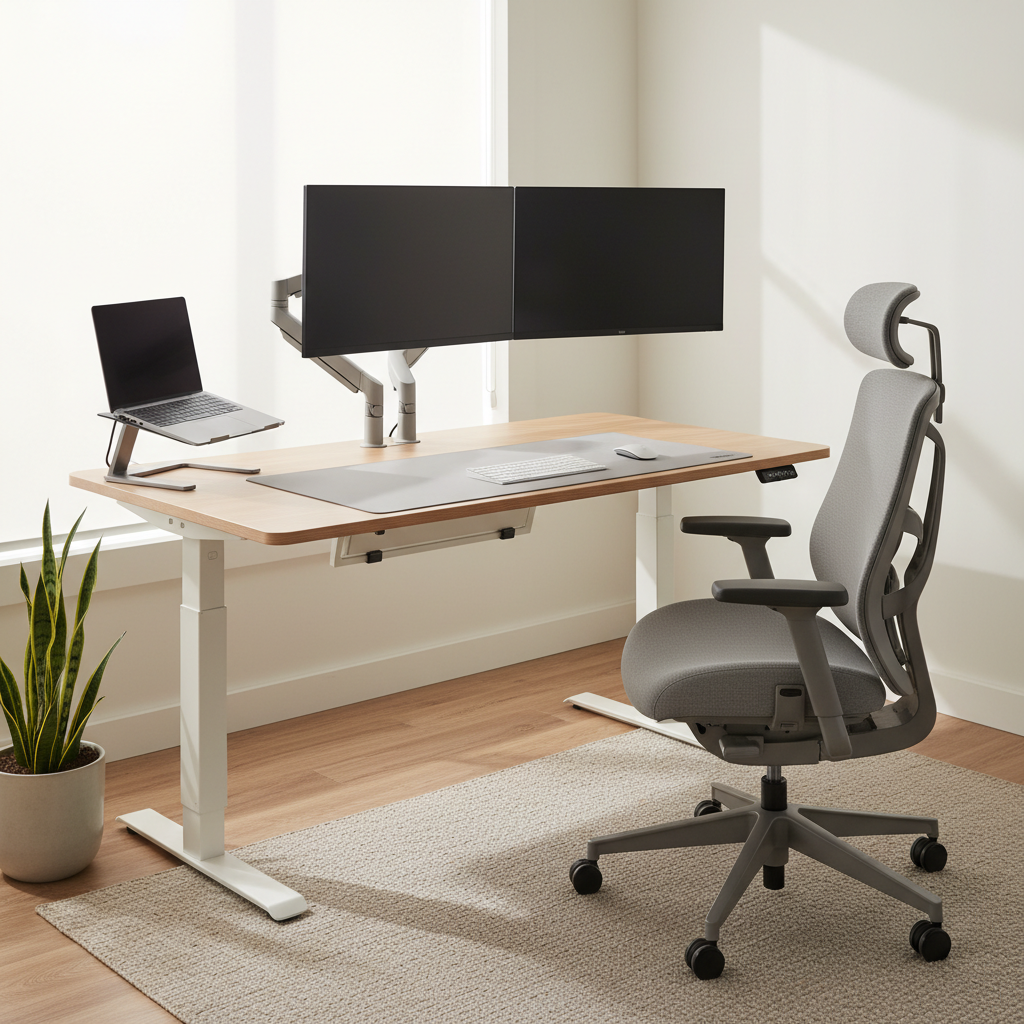
Office Chair Ergonomics: A Practical Guide to Better Posture & Pain Prevention
Whether you work from home or spend long hours at a desk, proper posture plays a crucial role in preventing back pain, neck strain, and long‑term discomfort. As a community‑focused Westminster chiropractor, Enhance Life Chiropractic helps patients understand how simple workstation adjustments can protect the spine and support whole‑body wellness.
Why Desk Posture Matters
Poor posture places unnecessary stress on the spine, muscles, and joints. Over time, this leads to chronic tightness, headaches, reduced mobility, and even nerve irritation. Ergonomics directly impacts comfort, productivity, and long‑term musculoskeletal health. For foundational principles, explore the OSHA Ergonomics Overview, and for personalized posture guidance, visit our chiropractic clinic in Westminster.
1. Key Ergonomic Chair Adjustments
A supportive office chair forms the foundation of healthy posture. Use these adjustments to reduce strain and encourage natural spinal alignment:
- Chair height: Feet should rest flat on the floor with hips slightly above the knees.
- Lumbar support: Ensure the chair supports your lower back’s natural curve.
- Seat depth: Maintain 1–2 inches between the back of your knees and the chair.
- Armrests: Support your forearms without elevating your shoulders.
- Monitor alignment: Keep your screen at eye level to help prevent neck strain.
2. Spine Alignment Basics from a Chiropractic Perspective
From a chiropractic standpoint, proper chair setup is only part of maintaining spinal wellness. The cervical, thoracic, and lumbar regions each have natural curves that require balanced support. When these curves are compromised, subluxations, muscular tension, and nerve irritation can develop. Maintaining neutral alignment helps reduce desk‑related pain and promotes full‑spine wellness. Learn more about full‑spine chiropractic care at Enhance Life Chiropractic.
3. Simple Movement Breaks
Even the best ergonomic setup can’t replace movement. Incorporate short activity breaks throughout your workday to relieve tension and stimulate circulation:
- Stand or walk for 2–3 minutes every 30–45 minutes.
- Practice gentle mobility exercises like seated rotations and shoulder rolls.
- Stretch the hip flexors and chest to counteract prolonged sitting.
- Use timers or apps to build consistent movement habits.
For more movement‑based ergonomic education, explore resources like the NIOSH Ergonomics Guide or schedule a mobility‑focused consultation with our office.
4. When to Seek Chiropractic Care
If adjusting your workstation hasn’t eased discomfort—or you’re noticing patterns like recurring stiffness, headaches, or radiating pain—professional support can help. At Enhance Life Chiropractic, Dr. Preston Benjamin provides:
- Full‑spine and extremity adjustments
- Myofascial release therapy
- Kinesiology taping
- Electrical stimulation therapy
- Personalized mobility and ergonomic recommendations
Our extended appointment times ensure individualized care tailored to your lifestyle and long‑term comfort goals. Learn more about our services at Enhance Life Chiropractic.
Schedule an Ergonomic‑Focused Adjustment
Ready to improve posture, reduce pain, and optimize your workstation? Schedule an ergonomic‑focused chiropractic visit with Enhance Life Chiropractic. Whether you’re an athlete, active adult, or desk‑bound professional, we’re here to help you move and feel better every day.